Double click the installation file (*.msi) to run it.
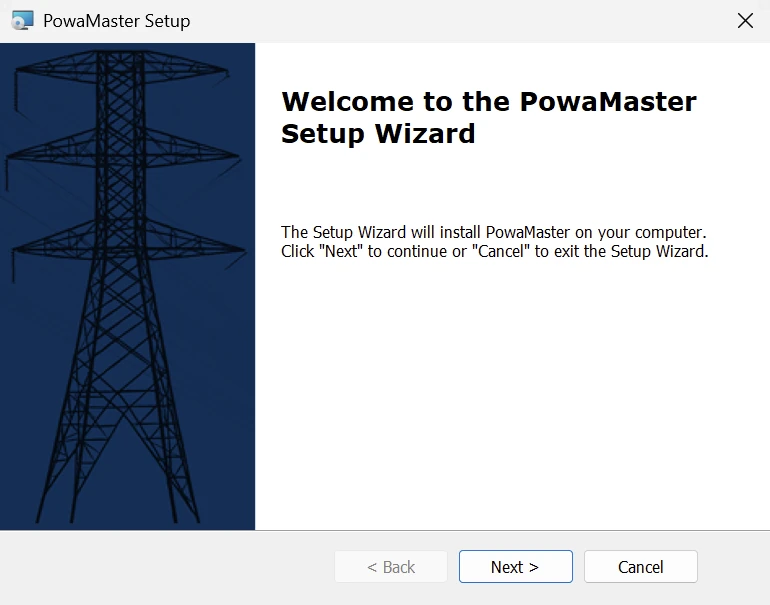
The following Window will appear.
Click “Next” to proceed through the installation.
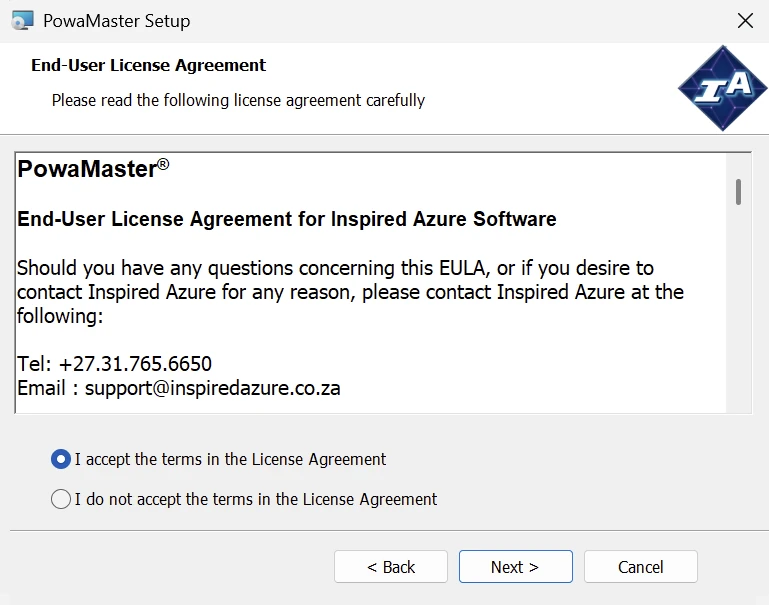
Read & Accept the terms of the License Agreement and click “Next”.
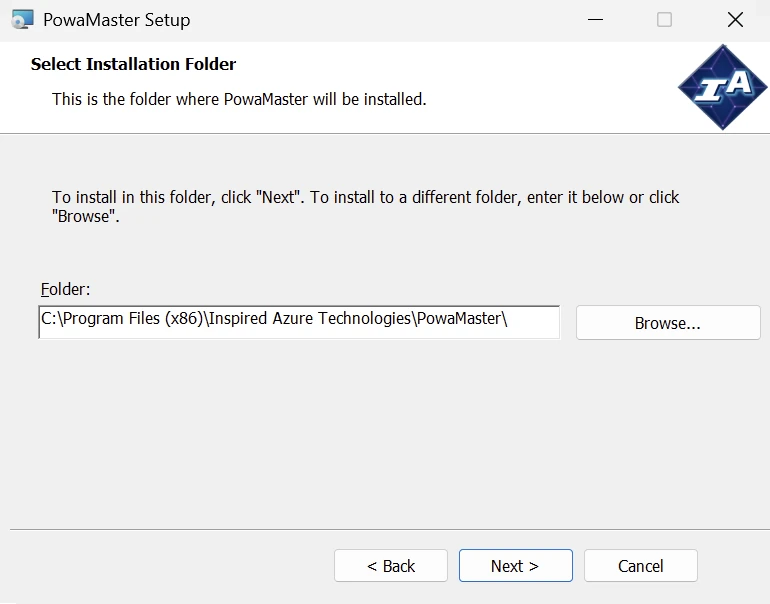
In the “Select Installation Folder” Window, select the “Next” button.
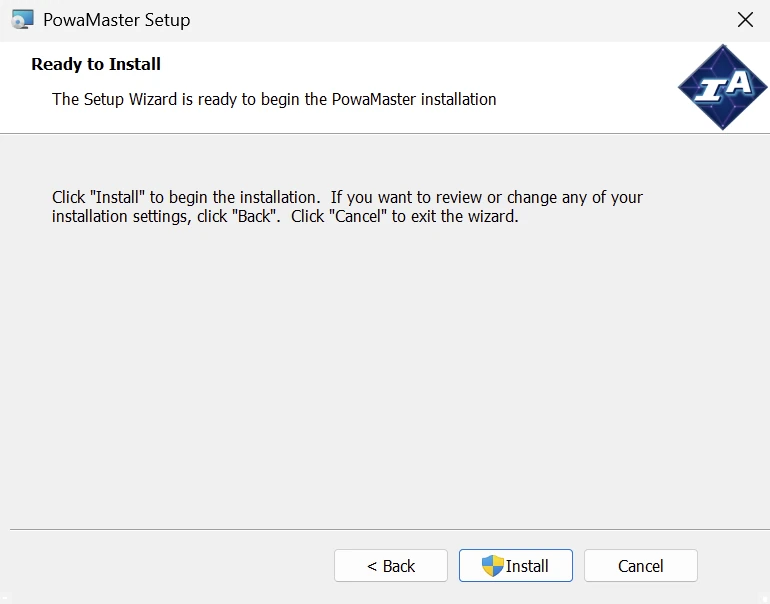
Select “Install” in the “Ready to Install” Window.
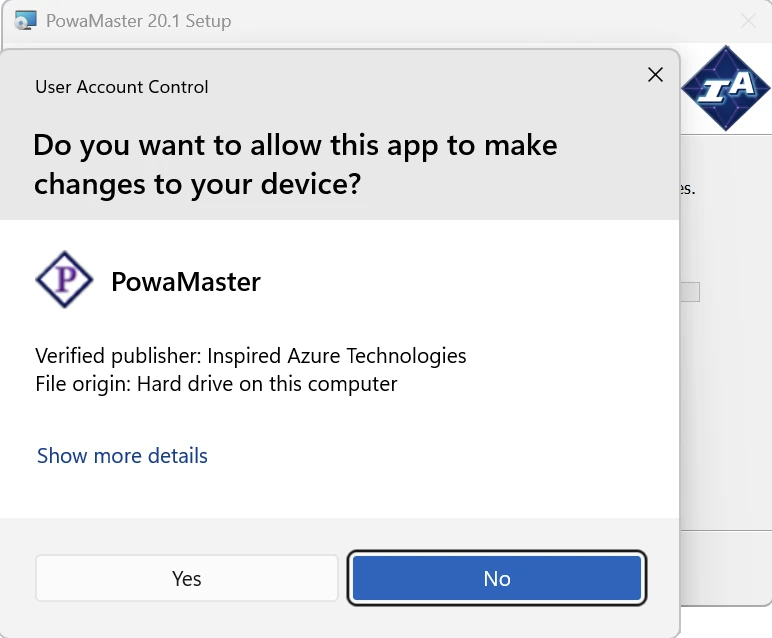
Provide the Administrator password when requested.
Once the password has been inserted, select the “Yes” button.
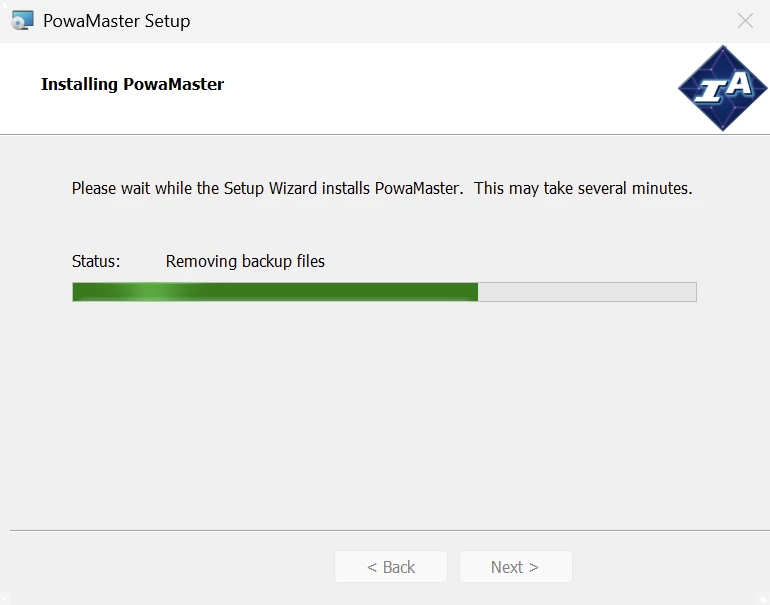
The Installation will proceed.
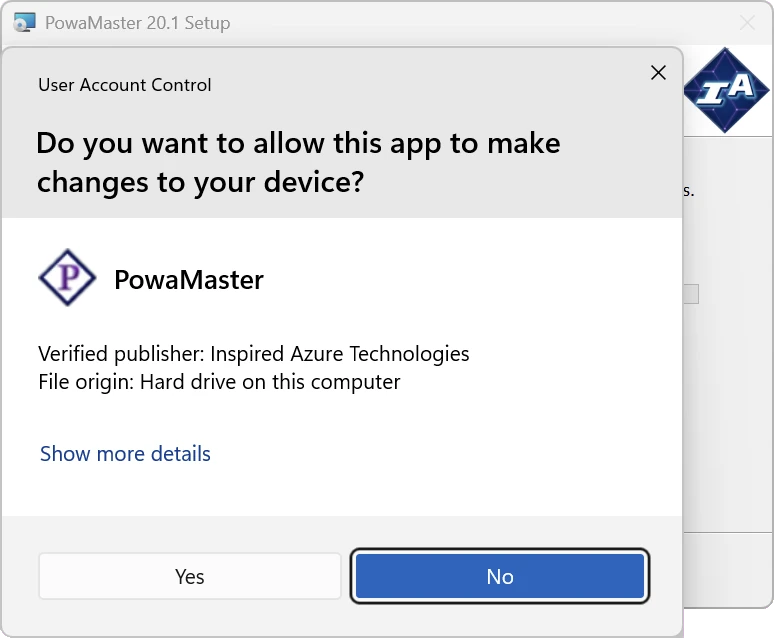
Provide the Administrator password again when requested.
When the password has been inserted again, select the “Yes” button.
The Installation will proceed.
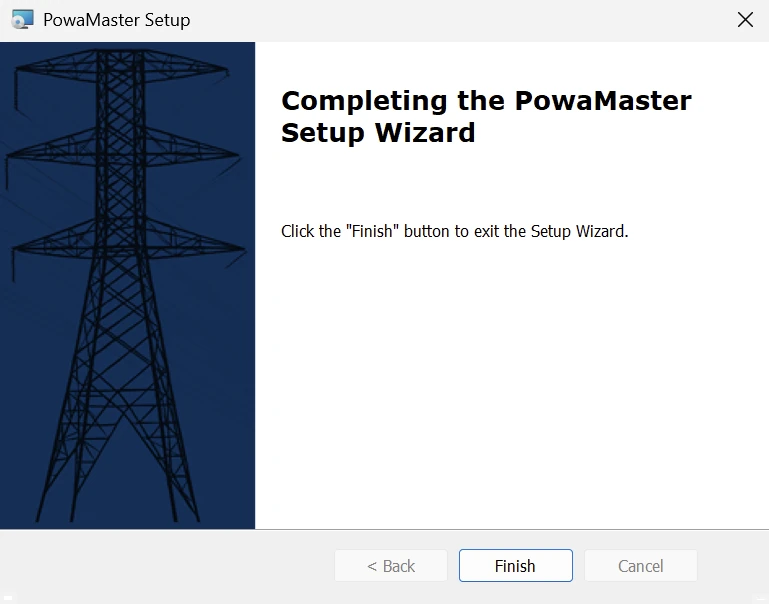
Once the software is installed, select the “Finish” button in the “Setup Wizard” Window.17 PowaMaster is now installed, you can continue to registration.